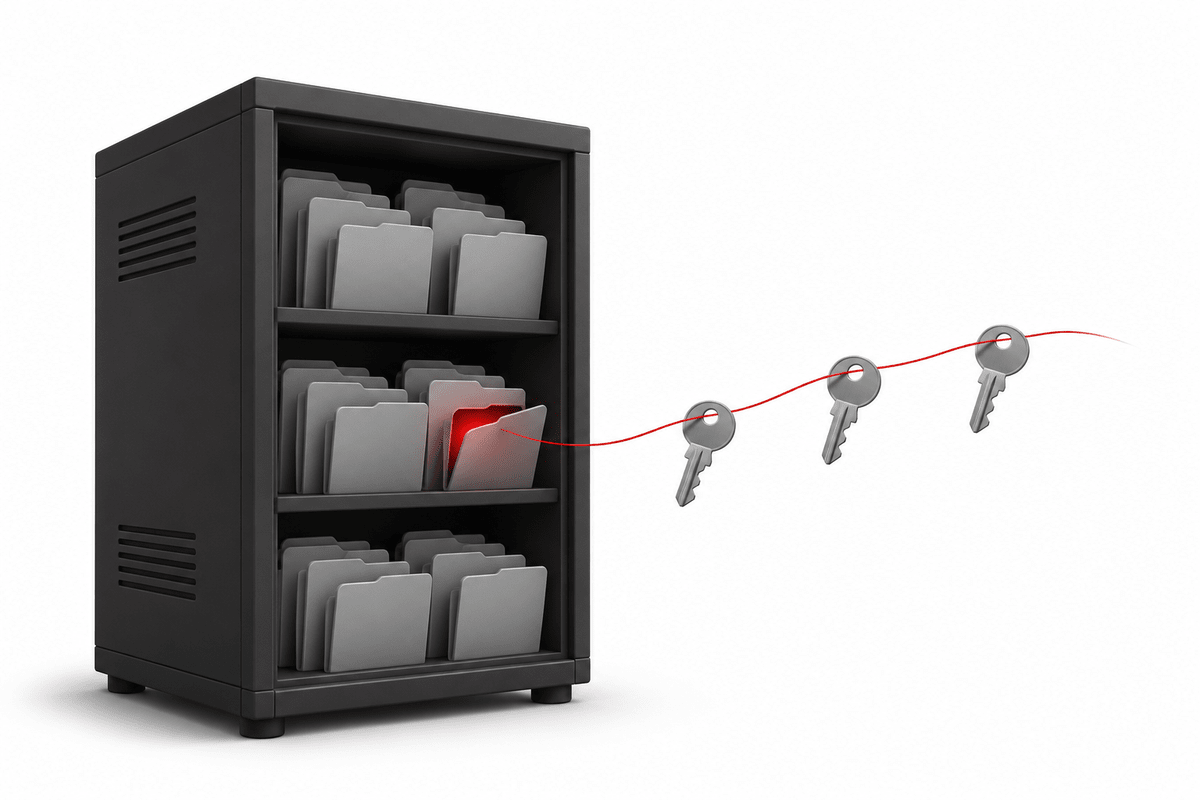
Most PHP websites built in the last ten years use Composer to install their libraries. Composer puts everything into a folder called vendor/. Nobody looks inside it. It is just "the libraries".
In a security audit of a batch of older PHP websites, that folder turned out to be the way in. One small file inside it let attackers run any code they wanted on the server, without a password. They used it to collect every password and API key on the machine, and the bills and account suspensions started arriving weeks later.
If you have a PHP website built with CodeIgniter, Laravel or any Composer-based framework, especially one built several years ago, please read this and check your site today. It takes five minutes.
The file: a testing tool that was never meant to be public
PHPUnit is the standard tool PHP developers use to test their code. Many projects install it as a development dependency, and older versions of it include a helper file at:
vendor/phpunit/phpunit/src/Util/PHP/eval-stdin.php
That file does exactly what its name says: it takes whatever it receives and runs it as PHP code. On a developer's laptop that is harmless. On a live website, if the vendor/ folder can be reached from the internet, it means anyone can send PHP code to your server and it will run.
This weakness is known as CVE-2017-9841. It was made public in 2017 and fixed in PHPUnit years ago. But fixing it in PHPUnit does nothing for a website that was deployed with an old version and never updated. Bots scan the internet for this exact path every day. When we went through server logs, requests for it showed up constantly.
Three things have to be true for a site to be exposed, and on many older projects all three are:
- PHPUnit was installed on the live server (the project was deployed with development packages included).
- The installed PHPUnit version is an old one that still has the file.
- The
vendor/folder sits inside the public web folder and the web server does not block it. This is common with CodeIgniter 3, where the project root is often the web root.
What the attackers actually did
We have seen this abused more than once. Two cases show how bad it gets.
Case 1: every secret on the server, collected in seconds
A bot sent a request to the file and ran a small script that searched the whole server for configuration files. On a server that hosts many websites, that means many .env files, and each one holds the keys to something: database passwords, cloud storage keys, email sending keys, SMS keys, payment gateway secrets, AI service keys. The script saved them all into one list and sent it off.
The damage did not arrive all at once:
- The very next day, the cloud provider sent a notice that one of the stolen cloud storage keys had been exposed. That key was rotated.
- About a month later, an SMS account that had been in the same stolen list was suspended for "SMS pumping", where attackers send large volumes of messages at the owner's expense. The SMS key had not been rotated, because only the key that triggered a warning was changed the first time.
Lesson: once a server has been exploited like this, every secret on it is leaked, not just the one that set off an alarm. Rotate all of them, and remember that some API keys never expire on their own and must be deleted, not just replaced.
Case 2: a server quietly owned for almost two years
On another server, the vulnerable file was still on disk and still worked when we tested it. Around it we found 13 web shells: small hidden PHP files that give an attacker a permanent back door. The oldest had been sitting in an uploads folder for almost two years. One of them had been used just days before we found it.
The same server also had several websites whose .git folder was readable from the internet, and logs showed someone had used a tool to download it. That folder contains a site's full source code and history.
Nobody had noticed any of this. The websites all worked normally the whole time.
How to check your site in five minutes
Replace example.com with your domain. If your site lives in a sub-folder, add it to the path.
- Open
https://example.com/vendor/phpunit/phpunit/src/Util/PHP/eval-stdin.phpin a browser. A blank white page (HTTP 200) is the dangerous answer: the file exists and runs. You want a 403 Forbidden or 404 Not Found. - Open
https://example.com/vendor/autoload.php. Again, anything other than 403 or 404 means thevendor/folder is reachable from the internet. - Open
https://example.com/.envandhttps://example.com/.git/config. If you see configuration text, your secrets or your source code are public. - If you have server access, search for the file:
find / -name eval-stdin.php -path "*phpunit*" 2>/dev/null
Be careful with how you read the answers. Some frameworks return a normal-looking page for any address, which also shows as 200. Look at what the page actually contains, not only the status code.
How to fix it
1. Block the folder at the web server
The fastest protection, and it covers every site on the server at once. For Apache:
<DirectoryMatch "/vendor/">
    Require all denied
</DirectoryMatch>
Do the same for .env, .git and PHP files inside upload folders. Then re-run the checks above to confirm you get 403.
2. Don't deploy development packages
Install production dependencies only: composer install --no-dev --optimize-autoloader. PHPUnit and other testing tools have no business on a live server.
3. Keep vendor/ outside the public folder
Modern frameworks (Laravel, CodeIgniter 4) serve only a public/ folder, so vendor/ is out of reach by design, as long as the web server points at public/ and not the project root. For CodeIgniter 3 projects, move vendor/ and application/ above the web root where you can, or rely on the server-level block.
4. Update old dependencies
Run composer outdated and plan upgrades, starting with anything that has a known security advisory (composer audit lists them).
5. If you were exposed, assume the worst
- Look in your access logs for POST requests to
eval-stdin.phpthat got a 200 response. Any of them means the server was exploited. - Search upload and writable folders for PHP files that shouldn't be there, and check for new cron jobs and SSH keys.
- Rotate every secret on the server: database passwords, cloud, email, SMS, payment and AI keys. Delete old API keys in each provider's console.
- Check your cloud, SMS and AI billing for usage you don't recognise.
Old websites need looking after too
The websites in these cases weren't badly built. They were built years ago, worked fine, and then nobody touched the server setup again. The vulnerable file had been sitting there, public, the whole time. The tools have changed since, and the bots that scan for old weaknesses never stop.
ITEA Technology has been building PHP websites and systems for Malaysian businesses since 2008, including many CodeIgniter and Laravel projects. We can help you:
- Audit an existing PHP website or server for exposed
vendor/,.envand.gitfolders, web shells and outdated dependencies - Clean up and rotate secrets after an incident
- Harden and maintain your servers so the next scan finds nothing
If you are not sure whether your website is affected, contact us for a security check.