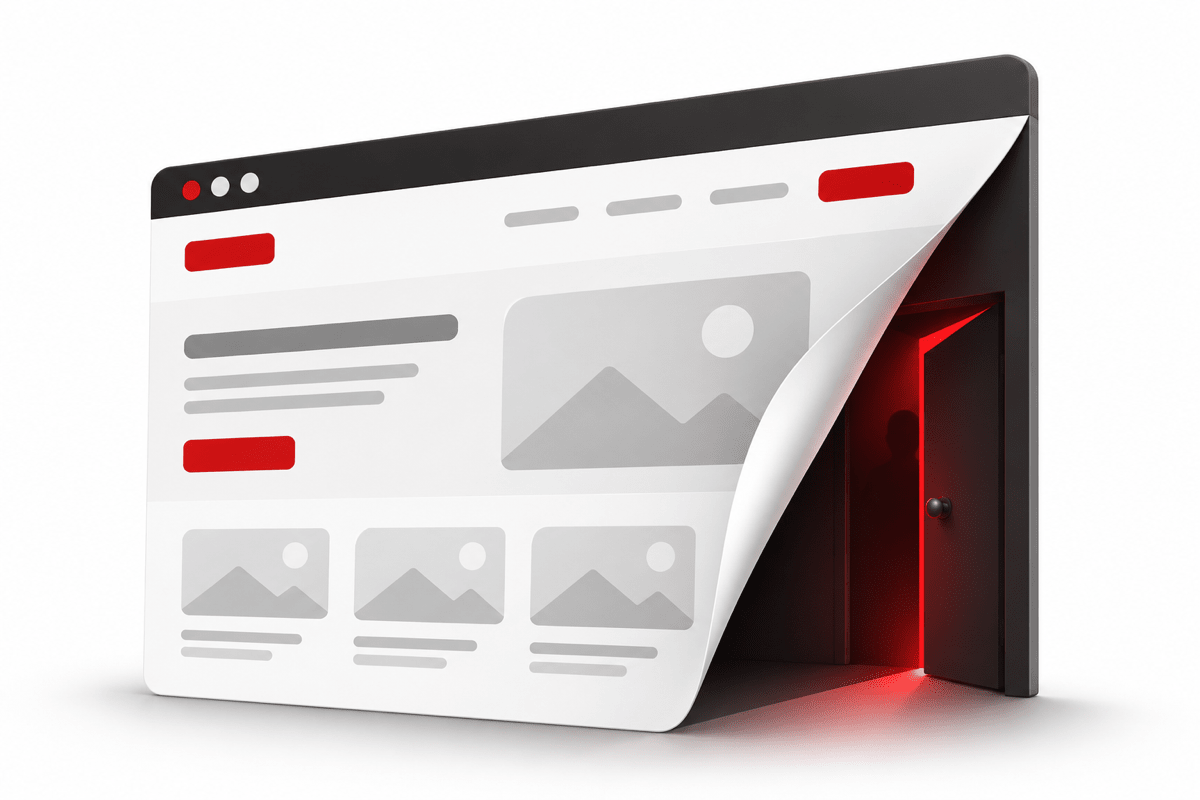
Last week we helped clean up a hacked WordPress website belonging to a Malaysian business. It wasn't a big company, and it wasn't a careless one. The site had a security plugin installed and a hosting provider who responded quickly once we raised the alarm.
When the owner and their developer logged in to check, everything looked completely normal. Visitors, meanwhile, were being shown a fake security check that installed a password-stealing trojan on their computers.
We are sharing what happened, without naming the business, because the same thing could be happening to thousands of WordPress sites right now. Most owners would have no idea.
What visitors saw: a fake "Verify you are human" page
When someone opened the website, the page went blank and showed a familiar screen: "Just a moment... Verify you are human." It looked exactly like the Cloudflare security check that many websites use.
Then it asked the visitor to "verify" by doing three things:
- Press Windows + R
- Press Ctrl + V
- Press Enter
The page had already copied a hidden command to the clipboard. Following those steps meant the visitor ran that command themselves. It silently downloaded and installed a program disguised as a Microsoft component. In reality it was an information stealer: malware that grabs every password and login session saved in your web browsers and sends them to the attackers.
This technique is known as "ClickFix" and it is one of the most common ways malware spreads today. In this case, one visitor's saved passwords were used by attackers from overseas within 7 hours of the infection.
Remember: No real website, CAPTCHA, Cloudflare check or Google page will ever ask you to press Windows + R or paste something into PowerShell. If a page asks you to do this, close it. It is a scam.
Why nobody noticed: the malware was built to hide
The scary part is not the attack itself. It is how carefully it was designed to stay invisible to the people who run the website:
- It hid from logged-in admins. The injected code first checked whether the visitor was a logged-in WordPress administrator. If so, it did nothing. The owner could browse their own site all day and see nothing wrong.
- It hid from the plugin list. One of the malicious plugins removed itself from the WordPress "Plugins" page. You could only find it by looking at the server files directly. It had been sitting there for over eight months.
- It pretended to be legitimate. Another plugin copied the name, author and description of a real, well-known WordPress plugin.
- It disguised its addresses. The attacker's domains were encoded, so searching the page source for suspicious URLs found nothing.
- The backdoor survived the clean-up. When the visible injection was removed, the malicious plugins were still there. The attackers could have put the malware back at any time.
How the attackers got in: not a software bug, a leaked password
When we went through the server's access logs, the answer was surprisingly simple. There was no clever exploit. The attackers knew the admin password.
Over about three weeks we counted more than 25 successful logins to the WordPress dashboard by strangers, from IP addresses all around the world. Every single one succeeded on the first try, with zero failed attempts. Attackers who are guessing a password fail many times first. These people already had the right one. It had most likely been stolen by the same kind of malware described above, from a computer where it was saved, and then shared or sold.
Once logged in, they did exactly what any admin can do:
- Uploaded "plugins" that were really backdoors
- Used the built-in Theme File Editor to change the site's code
- Came back again and again, even in the middle of the night
The security plugin blocked a good number of these attempts, but not all of them. A security plugin cannot help much once an attacker logs in with the real password.
The real problem: nobody was looking after the site
When we checked the site's software, we found it was typical of many business websites we see:
- The WordPress core was one version behind.
- The theme was about six years out of date, with several publicly known vulnerabilities since.
- Most plugins had not been updated, and two different SEO plugins were installed doing the same job.
- A file-manager plugin, a favourite target of attackers, was installed though nobody needed it day to day.
- Admin logins were protected by a password only: no two-factor authentication and no IP restriction.
- Nobody had looked at who was logging in. More than 25 logins from strangers went unnoticed.
None of these is unusual on its own. Together, they are why a website gets hacked and stays hacked for months. A WordPress site is not a brochure that you print once. It is software that runs 24/7 on the internet, and it needs looking after like any other system your business depends on.
What proper WordPress maintenance looks like
If you have a WordPress website, here is a checklist you can use today, whether you do it yourself or have someone do it for you:
1. Keep everything updated
- Update WordPress core, themes and plugins regularly, and test the site afterwards.
- Delete plugins and themes you don't use. Deactivating them is not enough.
2. Lock down the admin login
- Turn on two-factor authentication for every administrator.
- Give each person their own account, keep the number of admins small, and remove people who have left.
- If possible, allow
/wp-adminonly from your office or known IP addresses. - Disable the built-in file editor by adding
define('DISALLOW_FILE_EDIT', true);towp-config.php.
3. Watch who is logging in
- Review admin logins regularly. A login from a country where none of your team is located is a red flag.
- Check the list of administrator users for accounts you don't recognise.
4. Check the site the way a visitor sees it
- Malware often hides from logged-in admins. Check your site in a private/incognito window, logged out, and look at the page source.
- Look at the plugin folder on the server, not only the Plugins page in WordPress.
5. Protect the computers that hold the passwords
- Your website is only as safe as the PCs of the people who log in to it. One infected laptop with a saved password is enough.
- Use a password manager and teach your team: never paste commands into Windows + R or PowerShell because a website told you to.
6. Have backups and a plan
- Keep regular off-site backups, so a clean copy is always available.
- If you do get hacked, removing the visible malware is not enough. Remove the backdoors, find out how they got in, then change every password (WordPress, hosting, FTP, database).
Need someone to look after your WordPress site?
Many business owners have a website built once and then nobody touches it for years, until something goes wrong. At ITEA Technology, we have been building and maintaining websites and systems for Malaysian businesses since 2008. We can help with:
- A health check of your current WordPress site: outdated software, unknown admins, hidden plugins, malware
- Clean-up and recovery if your site has been hacked
- Ongoing maintenance: updates, security hardening, login monitoring and backups
Your website may look fine today. The question is whether anyone is actually checking. Contact us for a WordPress health check.